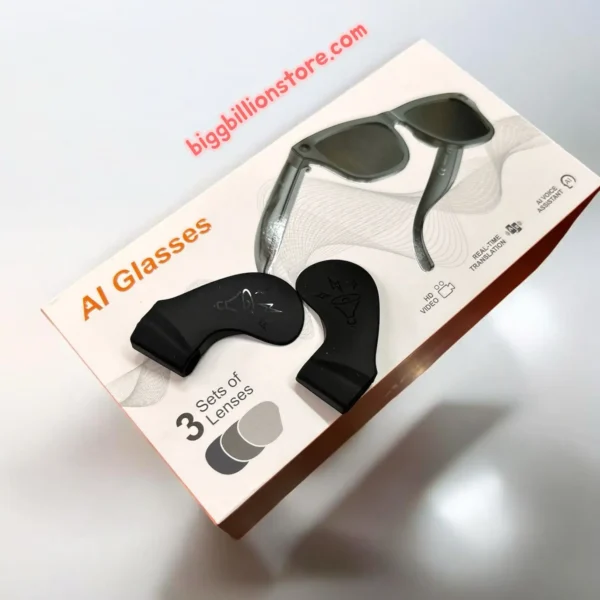
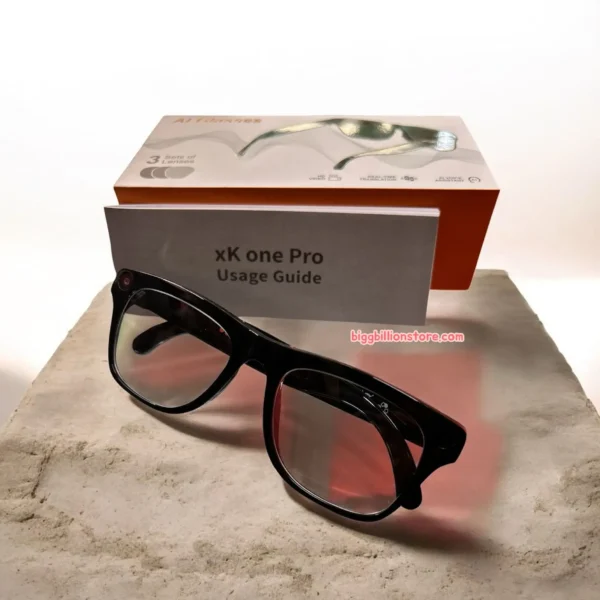
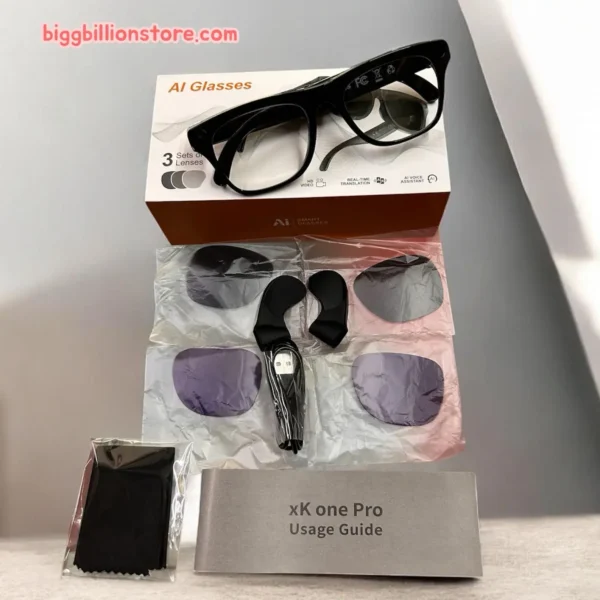
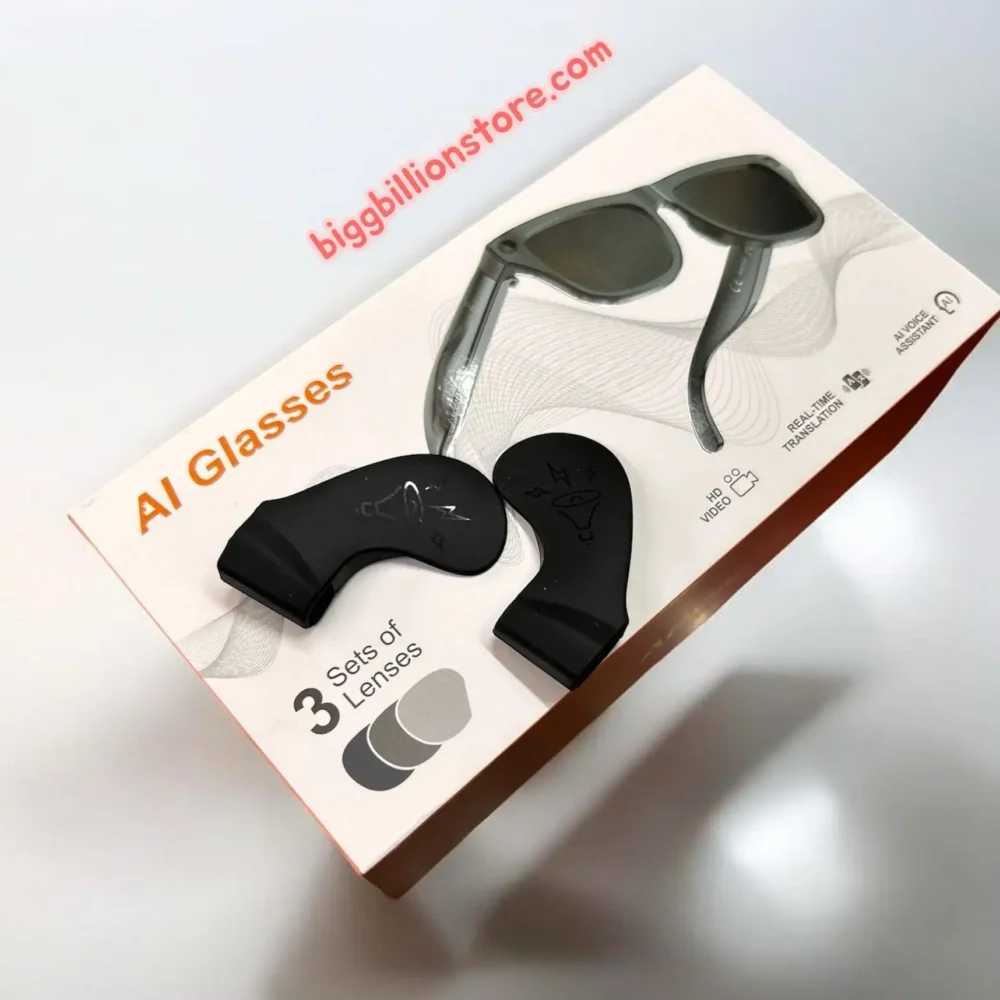
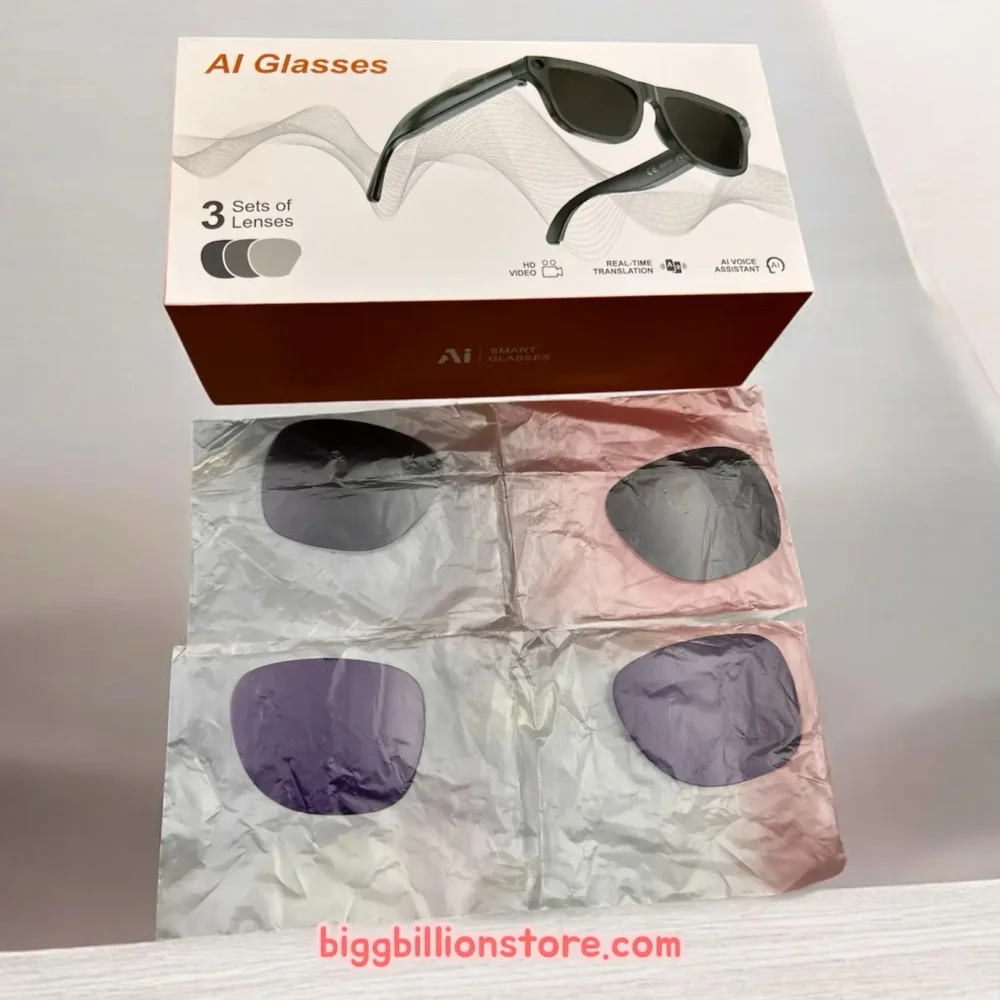
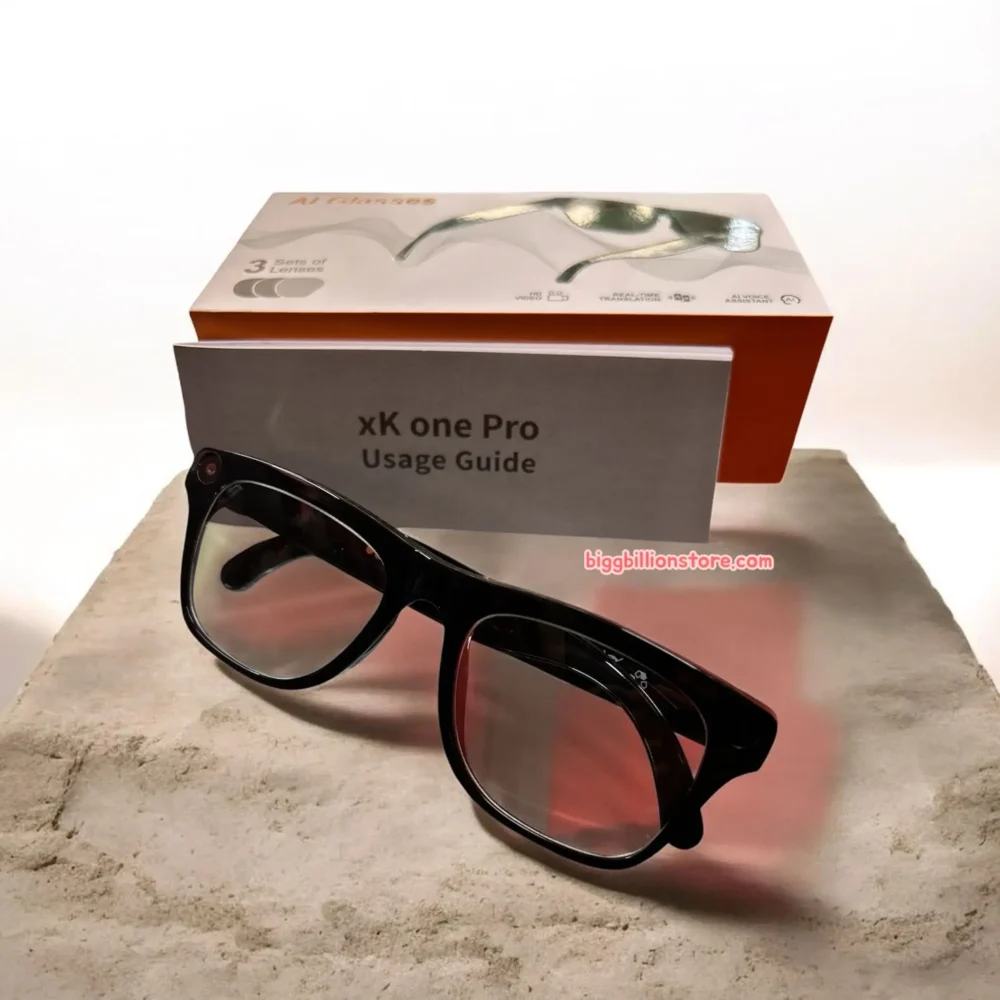
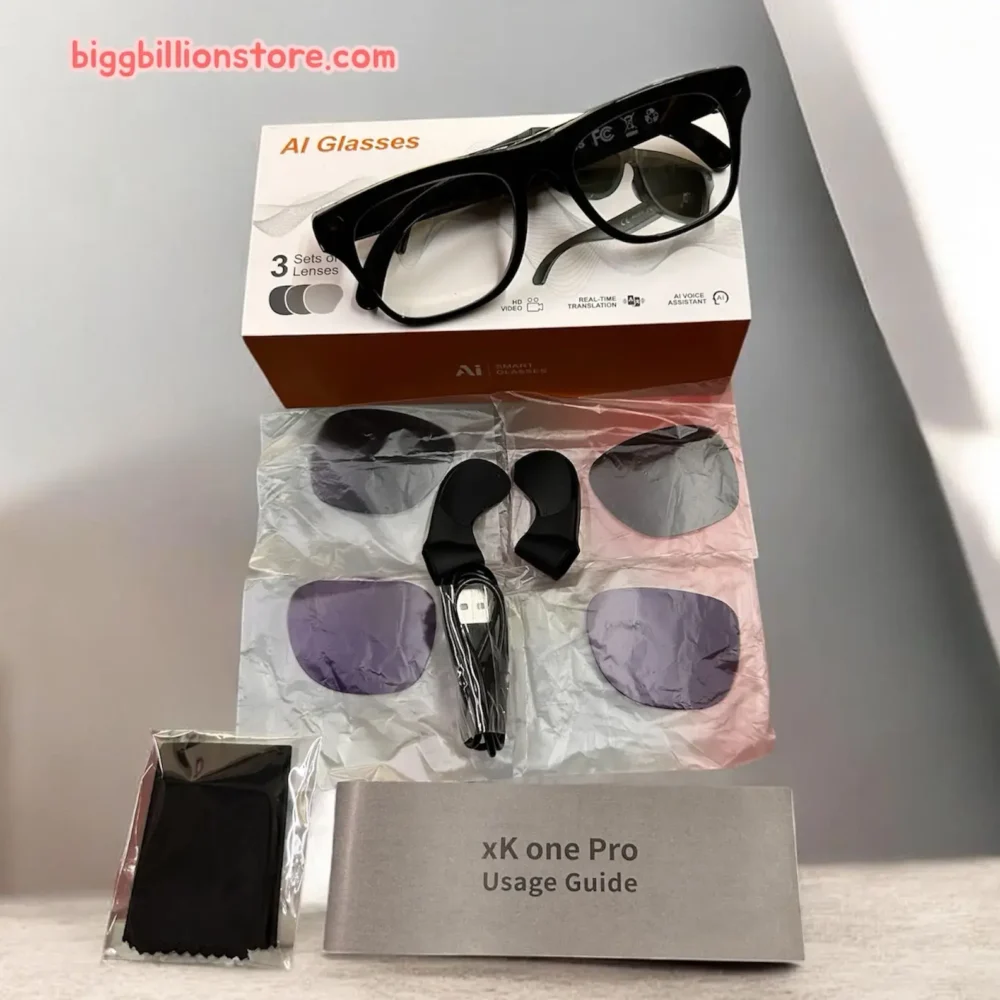
ai glass with camera
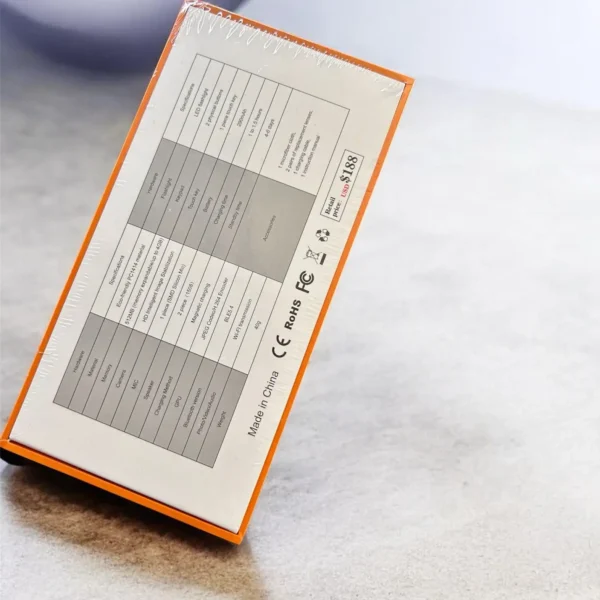
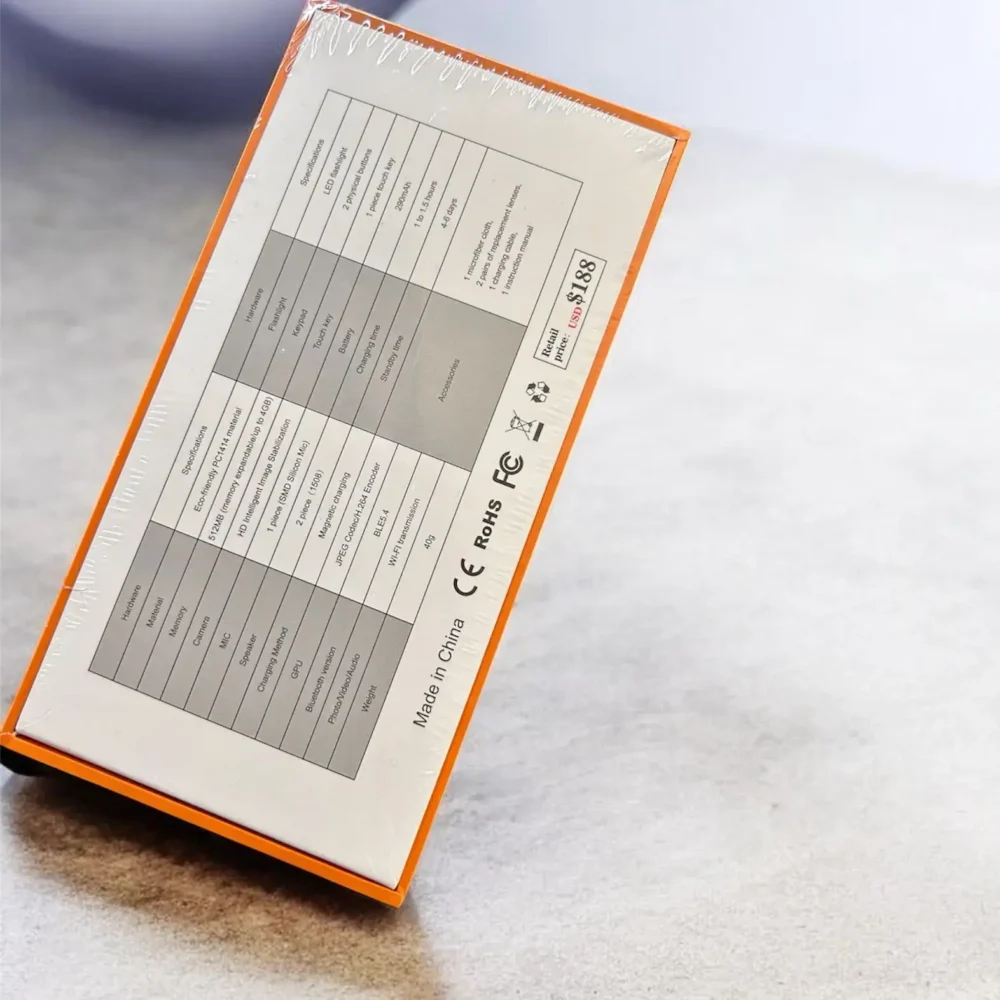
Features: Camera, flashlight, touch button, speaker, charging port, pilot lamp, microphone hole, physical buttons
Power Source: USB 5V
Battery Capacity: 229mA to 250mA
Integrated Camera: Located on the front frame for first-person perspective photo and video capture.
Flashlight: Integrated for improved low-light capture.
Microphone Array:Customized 2-microphone array for clear audio input.
Speakers: 2 customized open-back speakers for audio output.
Touch Control Area: Located on the temple arms for various functions.
Charging Port: Typically located on one of the temple arms.
Powering On/Off
To Power On: Press and hold the main button (or touch control area) for a few seconds until you hear a power-on prompt or see an indicator light.
To Power Off: Press and hold the main button (or touch control area) for a few seconds until you hear a power-off prompt.
Long press: Reject incoming calls, Wake up the voice assistant.
Single click: Answer/Hang up calls, Play/Pause music.
Double-click: Adjust the volume.
Triple-click: Previous
Taking Photos: A specific touch gesture (e.g., a quick tap or a short press) will trigger a photo capture. Refer to the device’s companion app or further documentation for exact gesture.
Recording Videos: Another specific touch gesture (e.g., a longer press or a double-tap and hold) will start/stop video recording.